

Have a join.holiday template ZIP?
Turn Your Template into a Live RSVP Website in Minutes
A simple, beautiful way to run your event — share your invitation, collect RSVPs, and keep every reply organized on your phone.
- Free hosting
- No code
- Guests don’t need an account


- Set Up in MinutesUpload the ZIP and create your event right away
- Manage GuestsTrack RSVPs, guest counts and notes in one list
- Share EasilySend each guest a personal link via any messenger
- Works on Any DeviceA beautiful experience on phone, tablet and desktop
How it works
From template ZIP to RSVPs in three steps
-
1
Get your design
Choose a join.holiday invitation design. Your purchase includes an instant-download ZIP that’s ready to upload and contains the static website files.
-
2
Upload it here
Upload the original join.holiday template ZIP at join.holiday/start and sign in or create a free organizer account. Event setup opens with your chosen design.
-
3
Invite & watch replies
Add guests, send each one a personal link, and see who’s coming the moment they answer.

- Coming36
- No reply yet7
- Not coming5
Everything You Need to Organize Your Event
- Beautiful RSVP website from your template
- A personal link for every guest — replace it any time
- Real-time replies, guest counts, plus-ones and notes
- Add extra details: program, photos and a gift wishlist
- Export your guest list (CSV, TXT or PDF)
Open link for group chats
One shared link: guests type their name and reply. Replies close after your “Reply by” date.
Gift wishlist
Guests reserve gifts in a tap. Others see only what’s left — names stay with you.
Program
Up to 12 moments of the day, sorted by time in your event’s time zone.
Photos
Up to 12 photos on the invitation; the first one becomes the cover.
Helpers
Invite a friend to manage guests for one event — settings stay yours.
Private by design
Every guest link is private and can be replaced at any time. Replies work even with JavaScript off.
Explore Invitation Templates
Select a design to see its live invitation with sample event details.
 PearlWedding · satin & hydrangeas
- SunskyWedding · blush & rose
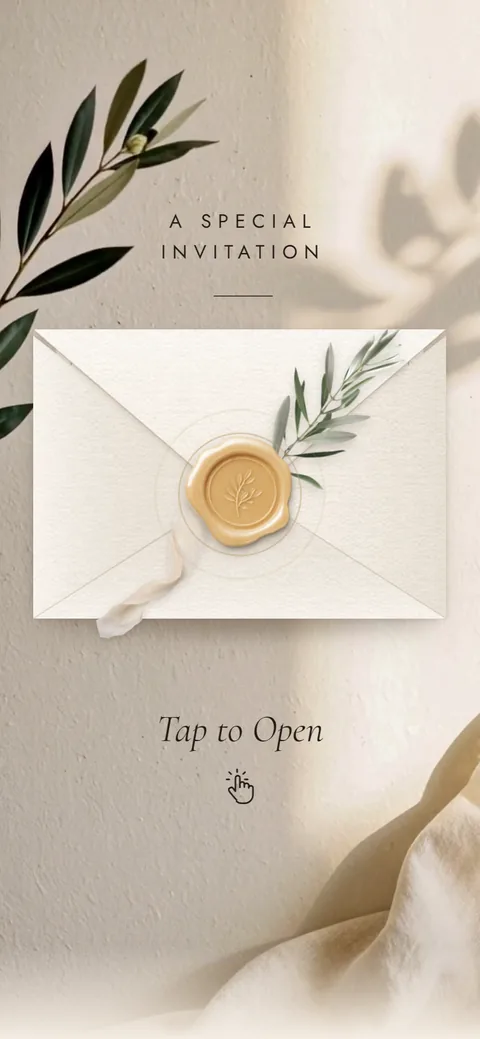
- OliveWedding · Mediterranean
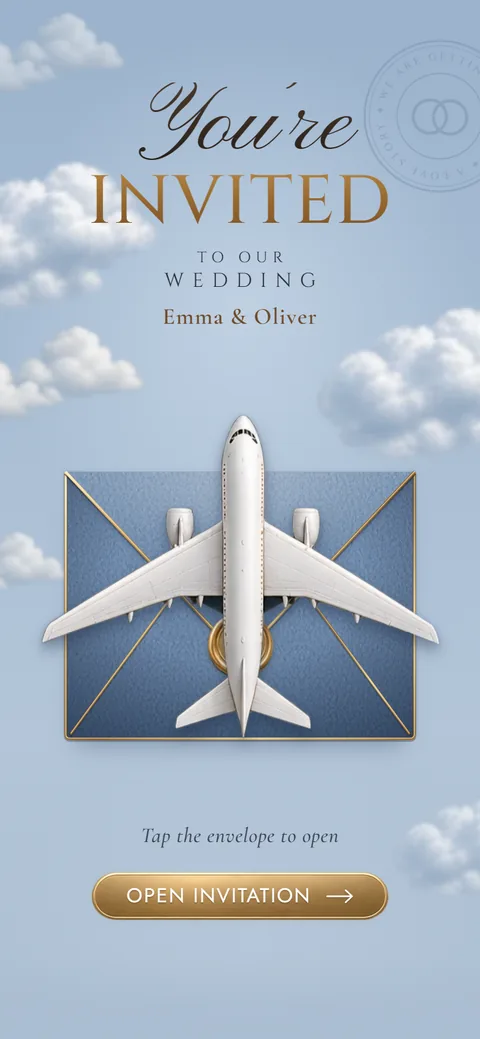 Atlas WeddingWedding · sky & travel
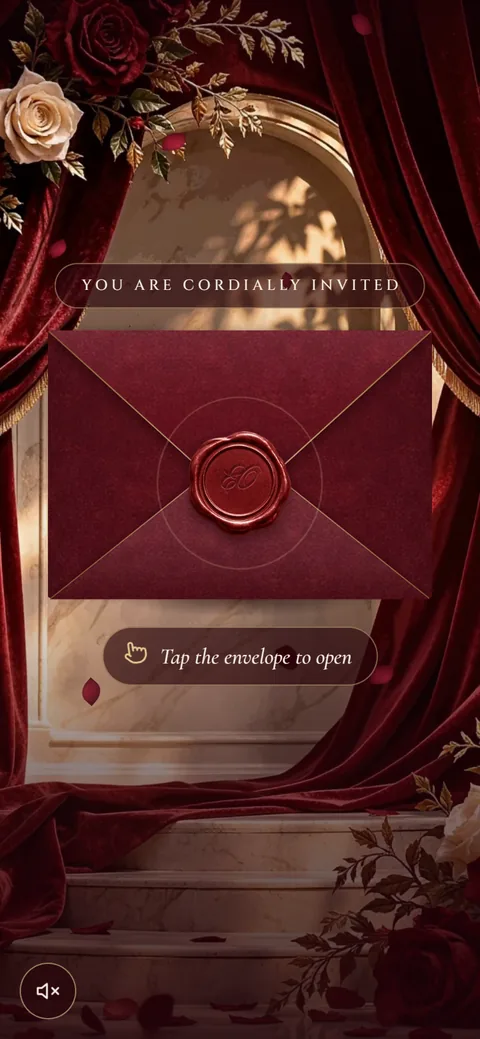 Burgundy WeddingWedding · velvet & gold
 Denim RomanceWedding · rustic
 Midnight GlowNew Year’s Eve party
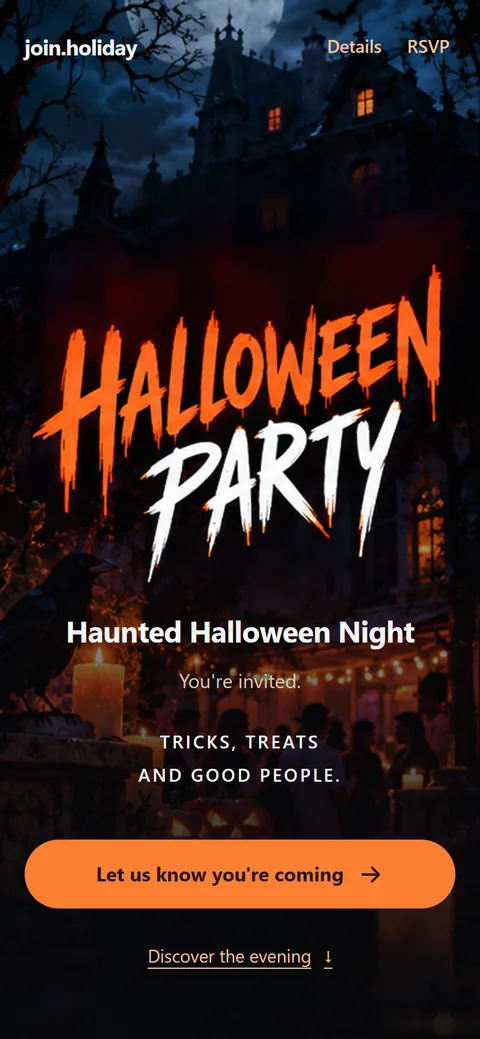 Haunted HalloweenHalloween party
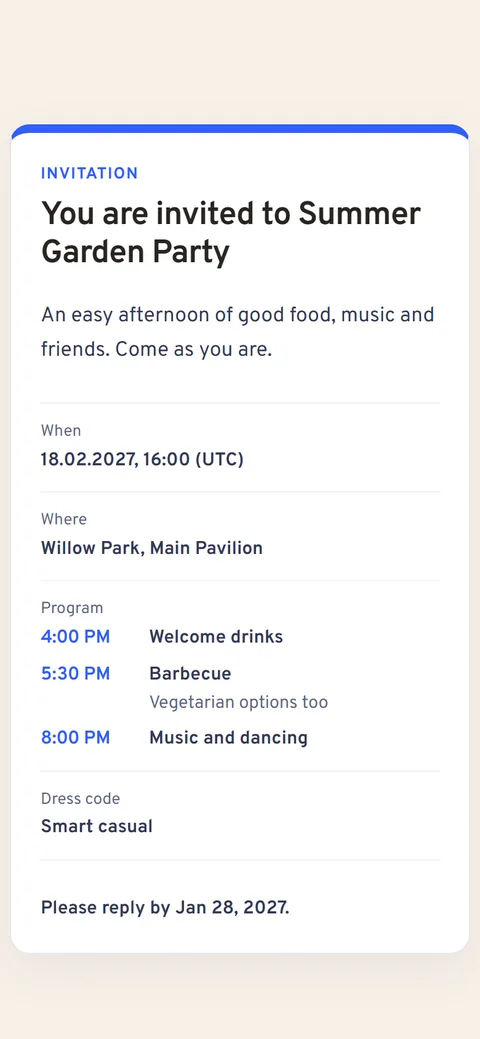 ClassicAny event · your accent color
Your guests open the invitation, answer in a tap and can change their mind later. You see every reply the moment it lands.
Frequently Asked Questions
Quick answers to the most common questions.
Is join.holiday free to use?
Yes. Hosting your invitation, collecting replies and managing guests are free for organizers. You only pay for your join.holiday design.
How do I use my join.holiday template?
The uploader accepts only original join.holiday template ZIPs. Upload yours at join.holiday/start and sign in or create a free organizer account to start your event. Every design you activate is added to your account, so you can pick any of them for a new event. Each existing event keeps its current design.
Do my guests need to create an account?
No. Every guest gets a personal link. They open it, answer “attending” or “can’t attend”, add how many people are coming or a note, and can change the answer as often as they like — even with JavaScript turned off.
How long does my event site stay online?
Your hosted invitation stays online for free as long as you keep the event in your account, with no renewal fees or subscriptions. Replies through the shared open link close when the event starts or at the end of your “Reply by” day in the event’s time zone if that comes first. Guests you added manually can still update their responses through their personal links after that. You also keep the static version from your template ZIP permanently, so you can archive or host it yourself anytime.
Can I export my guest list?
Yes — as CSV (opens straight in Excel), TXT or PDF. The export follows your current tab, search, filter and sort, and keeps each family together.
What if a link gets forwarded to the wrong person?
Tap “New link” next to that guest: the old link stops working immediately and you get a fresh one to send.
Can I publish the design somewhere else?
The ZIP also contains a static version of the invitation you can put on any host. Replies, guest lists and the wishlist work only on join.holiday.

Your invitation is ready. Your guests are waiting.
Upload your join.holiday template ZIP in a couple of minutes and send your first link today.